Jobs Stay on Schedule When Every Inspection Is Booked and Prepped

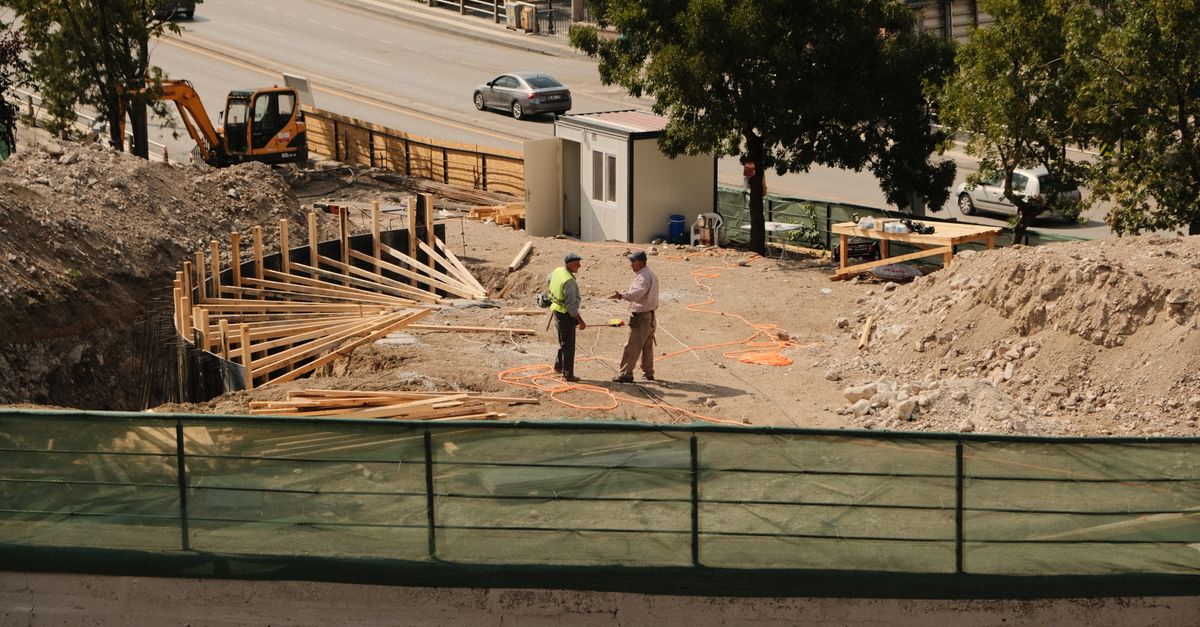
The EngageSuite360 Inspection Scheduling Agent requests inspections with the building department, sends the foreman a pre-inspection checklist before the inspector shows up, records every result, and tracks re-inspections so repeat problems get caught. Your superintendent stays on the jobsite running the work, not on hold with the permit office.
What it takes off your plate
Here is how inspections get scheduled on many jobs. The superintendent calls the building department or logs into the jurisdiction's portal between walking the site and meeting the subs. The rough-in is almost done, so he books the inspection and hopes the plumber finishes. Sometimes the inspector arrives and the work isn't ready. Sometimes the job is ready and the inspection request never went in.
When an inspection fails, the correction notice gets tucked in a folder in the trailer. Nobody tracks why it failed, so the same miss shows up on the next floor or the next project. Re-inspection fees add up, and every failure costs days on the schedule. The client asks why the drywall start moved, and the project manager has to dig for the answer.
What the Inspection Scheduling Agent does, step by step
The communication comes first:
- Asks before it books. When the schedule shows a phase nearing an inspection point, the Inspection Scheduling Agent texts the superintendent and the trade foreman to confirm the work will be ready on the target date.
- Requests the inspection. Once they confirm, it submits the request through the building department's portal or phone line, with the permit number and address, and confirms the date back to the crew.
- Sends the pre-inspection checklist. The day before, it texts the foreman a checklist built from your company's standards and the items that failed on past inspections of that type, and asks for photos of anything the inspector will look for.
- Records the result. After the visit, it asks the superintendent for the outcome by voice or text, including any correction notice.
- Follows up on corrections. For a failed inspection, it assigns each correction to the responsible sub with a due date, confirms the fix, and books the re-inspection.
- Keeps the client informed. It lets the project manager know the result, so the client update is accurate.
Then the data work. The agent logs every inspection in your project management system, such as Procore or Buildertrend, attaches the correction notices and photos, and updates the schedule when a failure moves the next phase. It tracks re-inspections by inspection type and by trade, so recurring issues are visible. Whether a correction is code-compliant is the call of your superintendent and the inspector; the agent tracks it.
Where the work is recorded
Every inspection lands in EngageSuite360 on the project: requested, confirmed, checklist sent, result, corrections, who owns them and the re-inspection date. On each subcontractor's record, the failed items tied to their scope are listed. The next step is written down: "framing re-inspection booked Thursday, blocking corrections confirmed by the framer" or "passed, drywall can start."
The inspection records also sit in your project management system with the job. The next morning, the superintendent opens EngageSuite360 and sees which inspections are booked, which are waiting on work to be ready, and which corrections are still open.
For related coordination, read managing submittal lead times and how missed RFI deadlines hurt the schedule.
What your people do instead
With the Inspection Scheduling Agent handling the requests and the records, the superintendent spends his day with the crews and walks the work before the inspector does. The project manager gives the client a clear answer about where the job stands. Your foremen know what the inspector will look for the day before, instead of hearing it on a correction notice. The office stops fielding calls from subs asking whether the inspection is still on, because the agent already told them, and the inspector finds a site that is ready and a crew that knows what to show.
And when a trade keeps failing the same item, the owner has the record to have that conversation with the sub. The agent keeps the paperwork and the follow-ups moving. Your people keep the job moving.
One next step
The Inspection Scheduling Agent works inside EngageSuite360, recording every inspection on the same project and subcontractor records your team already uses. Start with the CRM shaped for contractors, load your inspection checklists, and let the agent book the next one.
Get the next one for construction in your inbox.
I'm Jackie, the Construction ambassador here. One useful piece a week for construction owners, written for how the work actually happens — plus first access to the free EngageSuite360 CRM built for construction. Unsubscribe any time.
Jackie replies from construction@agentworksstudio.com. One email with the link — no list, no drip, unless you ask for the weekly letter. Or go straight there →