Brokers Stop Sending the Wrong Trailer When Every Load Is Checked

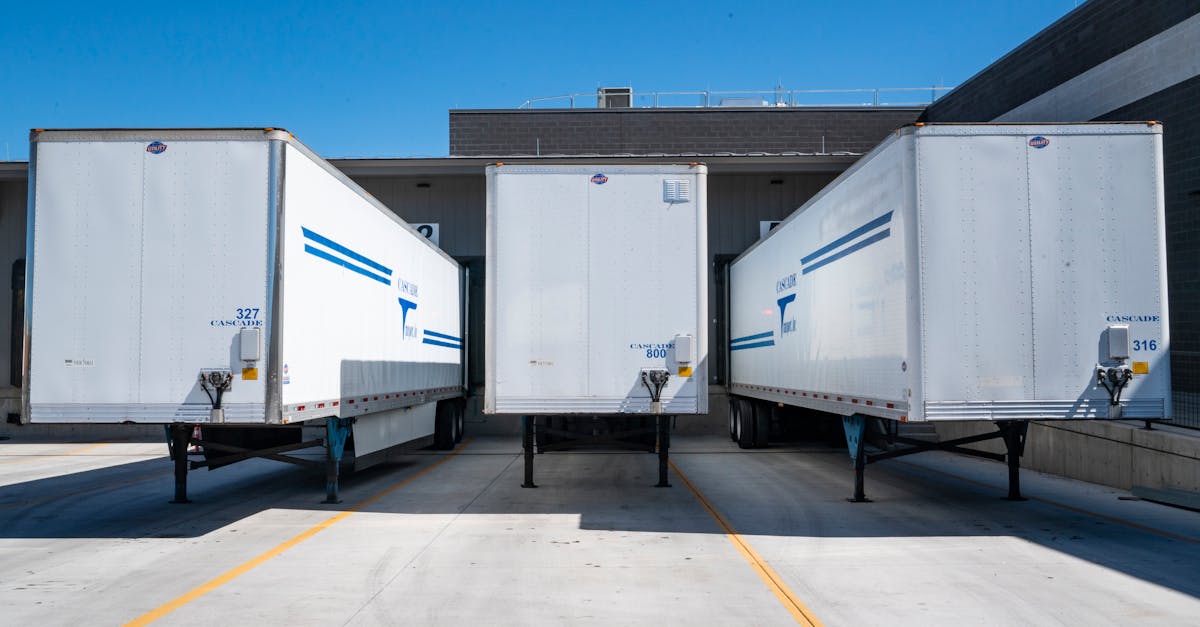
The Load Planning Agent is what makes this true. Inside EngageSuite360, the Load Planning Agent checks every order's freight requirements against the trailer before it is quoted or planned, consolidates compatible freight so trailers leave full, and confirms the details with the shipper, so your customer service rep can stay on the phone with the shipper instead of re-checking specs.
What it takes off your plate
Most wrong-trailer stories start at the order desk. A shipper calls or emails for a Quote. Your rep writes down the origin, destination and pallet count, and moves to the next call. Nobody asks whether the product needs temperature control, whether the pallets are too tall for a standard van, whether the consignee has a dock or needs a liftgate, or whether the freight is hazmat. The planner fills in the gaps from experience.
When the gap is filled wrong, a dry van shows up for freight that needed a reefer, a flatbed arrives without the straps or tarps the load needs, or a full-size tractor is sent to a delivery address with no dock. The truck is turned away, the shipper is embarrassed in front of its own customer, and someone on your team spends the afternoon on apology calls and re-booking.
Utilization suffers too. Orders that could share a trailer are planned separately because nobody had time to compare them, and trailers leave half full while other freight for the same lane waits a day.
What the Load Planning Agent does, step by step
The Load Planning Agent starts at the conversation where the details get missed.
- It asks the questions your rep skipped. When an order or Quote request comes in by email or text, the agent replies to the shipper contact for anything the plan needs: commodity, weight, pallet count and height, temperature range, hazmat class, dock or liftgate at each end.
- It checks equipment against freight. With the answers in, the agent compares the requirements against trailer types: dry van, reefer, flatbed, step deck, liftgate straight truck. A load that fits only one kind of trailer is marked that way on the record.
- It fills the trailer. The agent compares open orders on the same lane and window and consolidates the compatible ones: same temperature range, freight that can ride together, stops in a sensible order. It builds each consolidated plan to use as much of the trailer as the freight allows.
- It sequences the stops. For multi-stop loads, the agent orders pickups and drops by route and appointment so the driver is not doubling back.
- It confirms the plan. The agent sends each shipper a confirmation of the equipment and pickup details, sends the carrier or dispatcher the trailer requirement, and chases any confirmation that has not come back.
- It records the decision. The equipment choice, the reason for it and the consolidation are written to the load.
Your planner and rep make the judgment calls: when to split a load for a customer's schedule, when a special request is worth it. The questioning, checking and matching move to the agent.
Where the work is recorded
Everything the Load Planning Agent learns lands in EngageSuite360, the CRM shaped for logistics. The freight requirements live on the Load and on the Shipper Account, so the next order from that shipper starts with its known specs already filled in. The Quote shows the equipment it was priced on. Every question the agent asked and every answer the shipper gave is logged on the contact. A load waiting on a missing detail carries a next step with an owner.
The next morning, your team opens EngageSuite360 and sees which loads are specified and planned, which were consolidated, and which shipper still owes a pallet height. If you run a TMS, the equipment requirement travels with the load there too, so dispatch never has to guess.
An agent that cannot record its results is a chatbot. This one builds a shipper profile that gets more accurate every time that customer ships.
What your people do instead
Your customer service rep spends the call on the customer: learning what the shipper is moving next month, working out a delivery window with the consignee, turning one-off freight into a regular lane. The EngageSuite360 Load Planning Agent handles the spec sheet in the background.
When freight still runs into trouble on the road, read how customers stop discovering freight delays before you do and how shipment exceptions get handled before the customer calls.
One next step
Give the Load Planning Agent the shipper history to plan from. Set up the CRM for logistics with your Shipper Accounts, contacts, Loads and Quotes, and every order starts with the right trailer in mind.
Get the next one for logistics in your inbox.
I'm Rusty, the Logistics ambassador here. One useful piece a week for logistics owners, written for how the work actually happens — plus first access to the free EngageSuite360 CRM built for logistics. Unsubscribe any time.
Rusty replies from logistics@agentworksstudio.com. One email with the link — no list, no drip, unless you ask for the weekly letter. Or go straight there →