Your Dock Door Agent Books Every Appointment While the Floor Unloads

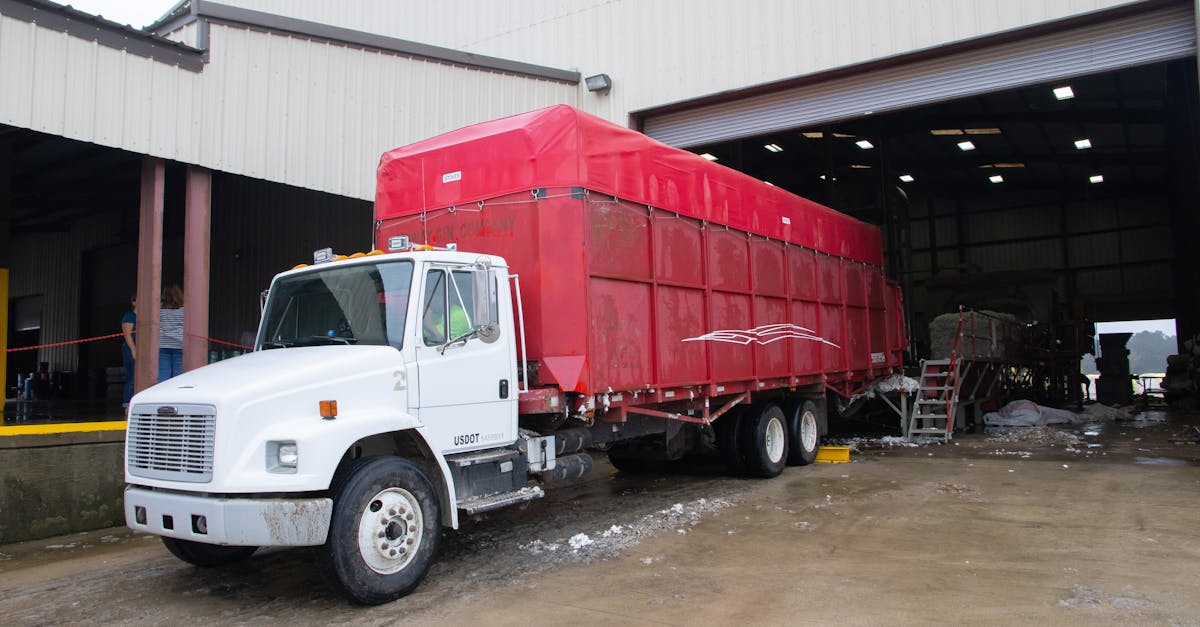
The Dock Door Agent in EngageSuite360 takes dock scheduling off your dock supervisor and receiving clerk — the people who today keep the appointment schedule on a whiteboard, answer every carrier call asking for a door and watch it fall apart the moment two trucks show up for the same one. The agent books and confirms appointments, catches conflicts before they happen, moves doors when a truck runs early or late, and tracks detention by carrier.
What it takes off your plate
Ask a dock supervisor about scheduling and you'll hear: "The board is right until the first truck is late." Appointments live on a whiteboard or a spreadsheet. A carrier calls in, the clerk writes a time on the board, and nobody confirms it again.
Then the day happens. Carriers show up without appointments. Two trailers arrive for the same door while another sits empty. A no-show leaves a door idle while other drivers wait in the yard. Detention charges accrue because the warehouse wasn't ready when the truck was, and the crew stands at the door waiting on freight that is still in a trailer across the lot.
Your supervisor spends the shift on the phone and at the gate instead of running the dock.
What the Dock Door Agent does, step by step
The Dock Door Agent handles the calls and the board together.
- It books the appointment. When a carrier or shipper calls, texts or emails for a delivery or pickup slot, the agent offers open times on the right door type for the load and books one.
- It confirms and reminds. The agent sends the carrier's dispatcher and driver a confirmation with the door, the time and the load reference, and a reminder before arrival asking them to confirm they are on schedule.
- It catches conflicts. When two loads would land on the same door, or a door would be booked beyond what the crew can unload, the agent flags it and moves one before the trucks arrive.
- It reassigns doors for early and late trucks. When a driver reports running early or late, or the tracking shows it, the agent moves the appointment to an open door or time and tells the driver and the supervisor.
- It handles no-shows. When a truck misses its window, the agent releases the door, offers it to a waiting truck and asks the carrier to rebook.
- It fits in walk-ins. When a carrier arrives without an appointment, the agent finds the next open door and tells the gate and the driver.
- It tracks detention. The agent records arrival, door and departure times for every truck, so detention is measured by carrier and by door.
Your dock supervisor decides priorities and crew assignments. The agent books, confirms, moves and records.
Where the work is recorded
Every appointment is recorded in EngageSuite360. On the load: the appointment, the door, the arrival and departure times and any detention. On the carrier and its contact: confirmations sent, reschedules, no-shows and walk-ins. On the shipper account: inbound and outbound appointments for their freight. The next step is written down — "carrier confirmed, on schedule for afternoon door," "no-show, rebook requested," "detention recorded, review with carrier."
Receiving and inventory stay in your WMS, and loads stay in your TMS.
When your dock supervisor opens EngageSuite360 in the morning, they see the day's appointments by door, which carriers confirmed, which conflicts were resolved overnight and which carriers ran up detention last week. An agent that cannot record its results is a chatbot. This one leaves a dock record you can hold carriers to.
What your people do instead
Your dock supervisor runs the floor: staging, crew assignments, getting each trailer unloaded and turned. Your receiving clerk checks freight in instead of answering the phone for appointments.
When a carrier disputes detention or a shipper asks why their inbound waited, your team answers from the record. The EngageSuite360 Dock Door Agent keeps the appointments, confirmations and door changes moving, so your people can serve the drivers and shippers standing in front of them.
Late trucks start upstream. Read how teams tell shippers about delays before they find out and how an agent catches transit disruptions before a truck misses its door.
One next step
Set up EngageSuite360 for logistics — contacts, shipper accounts, loads and quotes shaped for a freight operation, with communications and the Dock Door Agent built in. Book tomorrow's appointments through it and watch the confirmations come back before the first truck arrives.
Get the next one for logistics in your inbox.
I'm Rusty, the Logistics ambassador here. One useful piece a week for logistics owners, written for how the work actually happens — plus first access to the free EngageSuite360 CRM built for logistics. Unsubscribe any time.
Rusty replies from logistics@agentworksstudio.com. One email with the link — no list, no drip, unless you ask for the weekly letter. Or go straight there →