Your Bill of Materials Agent Carries Every ECO to the Floor

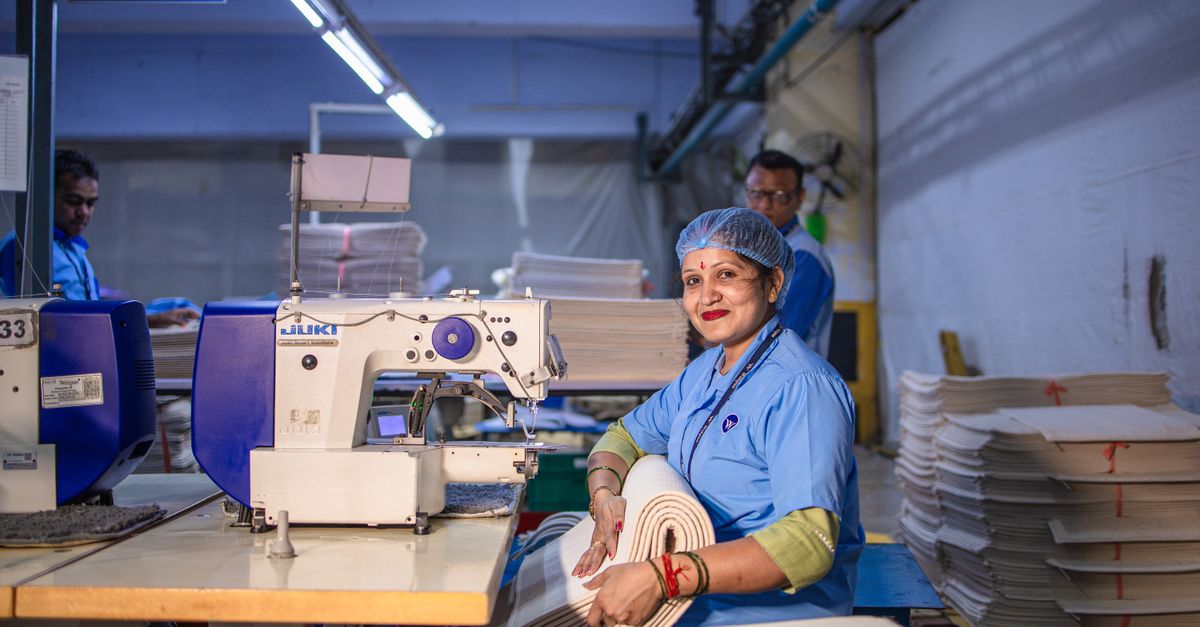
The EngageSuite360 Bill of Materials Agent takes change propagation off your manufacturing engineer's desk. When an engineering change order drops, it cross-references the change against active work orders, open purchase orders and inventory allocations, finds every Order the change touches, and gets the update to purchasing, planning and the floor before the wrong parts are bought, built or shipped, so your engineer can spend the time with the customer who asked for the change.
What it takes off your plate
In most shops the bill of materials lives in more than one place. Engineering has the CAD model and a spreadsheet. The ERP has its own BOM. The floor has a printed traveler. Over time they drift apart.
Then an ECO comes through. Engineering updates the model and releases the drawing, and assumes everyone downstream will pick it up. Purchasing has an open PO for the old component. A work order already released is kitting to the old revision. There is stock allocated that no longer fits. Nobody traced the change through, because tracing it means checking three systems by hand.
So the wrong component gets ordered, the wrong part gets assembled, and a customer receives something built to a revision that was correct a few changes ago. The root cause meeting finds the same thing every time, and the engineer spends a week on containment instead of engineering.
What the Bill of Materials Agent does, step by step
The Bill of Materials Agent starts with the people who need to hear about the change.
- It picks up the ECO. When an engineering change is released, the agent reads what changed: components added, removed or replaced, quantities, revisions and the effective point.
- It finds every affected order. The agent cross-references the change against active work orders, open purchase orders, inventory allocations and open customer Orders that use the assembly.
- It tells the right people. The agent messages purchasing about each PO for an obsolete or changed component, the planner about each released work order, the stockroom about allocated stock, and customer service about each customer Order whose parts are affected. Each message names the order and the change.
- It chases the responses. The agent follows up until each owner confirms: the PO revised or cancelled, the work order re-kitted or held, the stock re-allocated or quarantined.
- It updates the BOM everywhere. The agent brings the ERP BOM in line with the released engineering BOM and flags any line where the two still disagree.
- It checks the customer side. If a change affects what a customer receives, it drafts a notice for your engineer or customer service rep to send to the Customer Account.
Your engineer decides the change and its effectivity. Tracing it through the plant moves to the agent.
Where the work is recorded
Every ECO the Bill of Materials Agent handles is recorded in EngageSuite360, the CRM shaped for manufacturing. The change shows what it altered, every affected work order, PO, allocation and customer Order, who was told, and who confirmed. The customer Orders and Customer Accounts carry a note of the change, so customer service knows which revision each customer is getting. Open items carry a next step with an owner.
The next morning, your engineer opens EngageSuite360 and sees which changes are fully propagated, which POs or work orders are still waiting on a confirmation, and whether any BOM line still disagrees with the ERP. When a customer asks which revision shipped on an Order, the answer is on the record.
An agent that cannot record its results is a chatbot. This one keeps a change trail that holds up in an audit or a customer's corrective action request.
What your people do instead
Your engineer works with customers and the floor: reviewing a new RFQ's drawings, sorting out a manufacturability question with an operator, helping a customer through a design change. Customer service tells buyers exactly which revision is in their Order. Purchasing stops paying for components nobody can use, and the stockroom stops kitting parts that belong to a drawing nobody builds anymore.
The EngageSuite360 Bill of Materials Agent keeps the BOM and the plant on the same revision. For how changes ripple into the schedule, read about the cost of reactionary production scheduling and the friction of manual production scheduling.
One next step
Give the Bill of Materials Agent your accounts and Orders to trace changes through. Set up the CRM for manufacturing with your Customer Accounts, contacts, Orders and RFQs, and every change reaches every order it touches.
Get the next one for manufacturing in your inbox.
I'm Diane, the Manufacturing ambassador here. One useful piece a week for manufacturing owners, written for how the work actually happens — plus first access to the free EngageSuite360 CRM built for manufacturing. Unsubscribe any time.
Diane replies from manufacturing@agentworksstudio.com. One email with the link — no list, no drip, unless you ask for the weekly letter. Or go straight there →