Client Networks Stay Safer When Every Scan Finding Is Verified Fixed

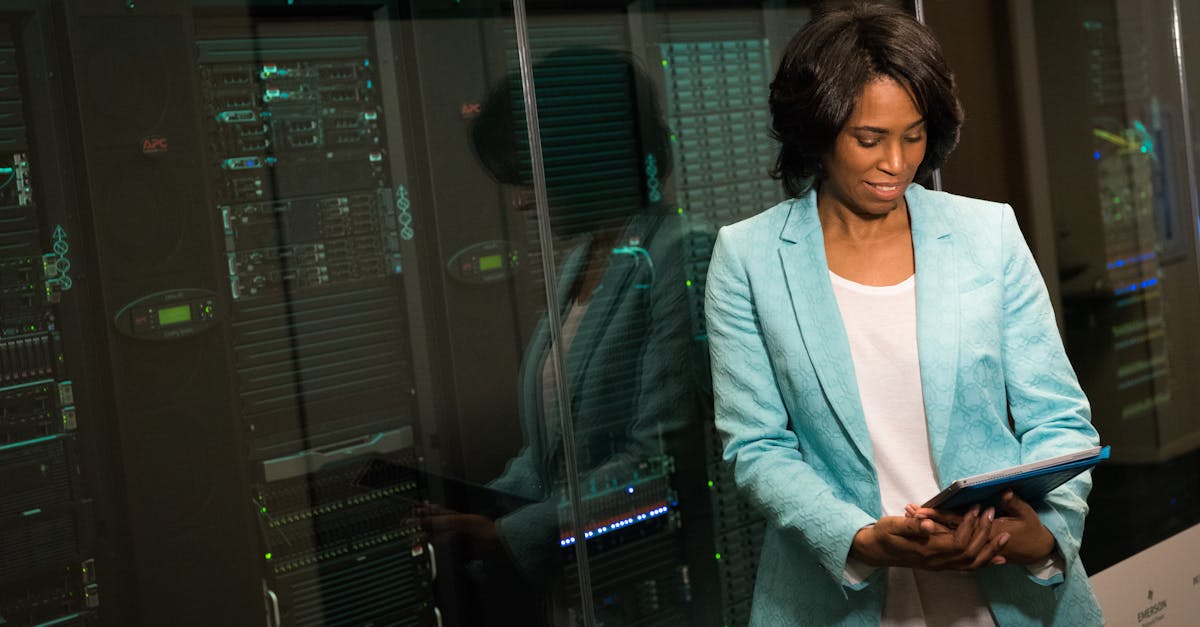
The Vulnerability Scanning Coordination Agent in EngageSuite360 is what makes that true. It takes scan coordination off your security lead — the engineer who today receives each client's vulnerability scan as a spreadsheet, sorts it by hand and tries to keep track of what got fixed. The agent ingests the scan results, prioritizes the findings, opens remediation tickets with context and verifies every fix, so your security lead spends time advising clients.
What it takes off your plate
Ask a security lead about scan week and you'll hear: "The spreadsheet shows up and the rest of my week is gone." Scan results arrive as long spreadsheets of findings for every client account. Prioritization is manual and inconsistent — one engineer sorts by severity, another by whichever server they know best.
Remediation lives in tickets that get closed without anyone confirming the fix held. The next scan shows the same findings, and the same ones the scan after that, because nobody tracked why they came back: a golden image that was never updated, a line-of-business application that blocks a patch. The cost is engineering time spent re-reading the same findings, and a client who sees the same risk on every report.
What the Vulnerability Scanning Coordination Agent does, step by step
The Vulnerability Scanning Coordination Agent starts with the people who need to act.
- It tells the client what is coming. Before a scan, the agent confirms the scan window with the client's contact and notes any systems to exclude.
- It ingests the scan results. When the scan completes, the agent imports the findings for each client account.
- It prioritizes by risk. Findings are ranked by risk score and exploitability, and by how exposed the affected asset is, so the internet-facing server comes before the lab machine.
- It creates remediation tickets. Each priority finding becomes a ticket in your PSA, such as ConnectWise, with the asset, the finding, the fix and any history from past scans.
- It chases the fix. When a remediation ticket sits untouched, the agent follows up with the assigned technician; when the fix needs a client decision or a maintenance window, it asks the client's contact.
- It verifies the patch. After a ticket is marked done, the agent checks the next scan or a targeted rescan to confirm the finding is gone, and reopens the ticket when it is not.
- It reports the trends. The agent produces reports showing which vulnerabilities keep coming back, on which assets and why, so the root cause gets fixed.
The security lead decides the remediation approach and any risk the client chooses to accept. The agent coordinates, tracks and verifies.
Where the work is recorded
Every finding is recorded in EngageSuite360. On the client account: each scan, the prioritized findings, the remediation status and the recurring issues. On the contacts: every scan window confirmed and every decision the client made, including accepted risks with the reason. On the contract: the security work delivered under it. The next step is written down — "fix verified on rescan," "finding reopened, root cause is outdated image," "client approval needed for maintenance window."
Remediation tickets and time stay in your PSA, and asset notes go into your documentation platform, such as IT Glue.
When your security lead opens EngageSuite360 in the morning, they see which fixes were verified overnight, which findings were reopened and which clients owe a decision. An agent that cannot record its results is only a chatbot; this one leaves proof of the security work you do.
What your people do instead
Your security lead meets with the client about the findings that matter — the recurring issue with a legacy application, the budget for replacing unsupported hardware — and helps them decide. Your technicians fix what the tickets describe, with the context already attached.
Clients stay with the MSP that shows them their risk going down. The EngageSuite360 Vulnerability Scanning Coordination Agent keeps the tickets, the follow-ups and the verification moving, so your people can give that advice.
Remediation tickets share the queue with everything else. Read how MSPs automate ticket triage for client accounts and onboard new clients cleanly.
One next step
Set up EngageSuite360 for IT services — contacts, client accounts, contracts and opportunities shaped for an MSP, with communications and the Vulnerability Scanning Coordination Agent built in. Load your next client scan and follow each finding to a verified fix.
Get the next one for it services in your inbox.
I'm Ace, the IT Services ambassador here. One useful piece a week for it services owners, written for how the work actually happens — plus first access to the free EngageSuite360 CRM built for it services. Unsubscribe any time.
Ace replies from it-services@agentworksstudio.com. One email with the link — no list, no drip, unless you ask for the weekly letter. Or go straight there →